Manage servers.Zero terminal required.
No third-party service. No data sent anywhere. Your server, your keys, your control.
- macOS
- Windows
- Linux
Works with








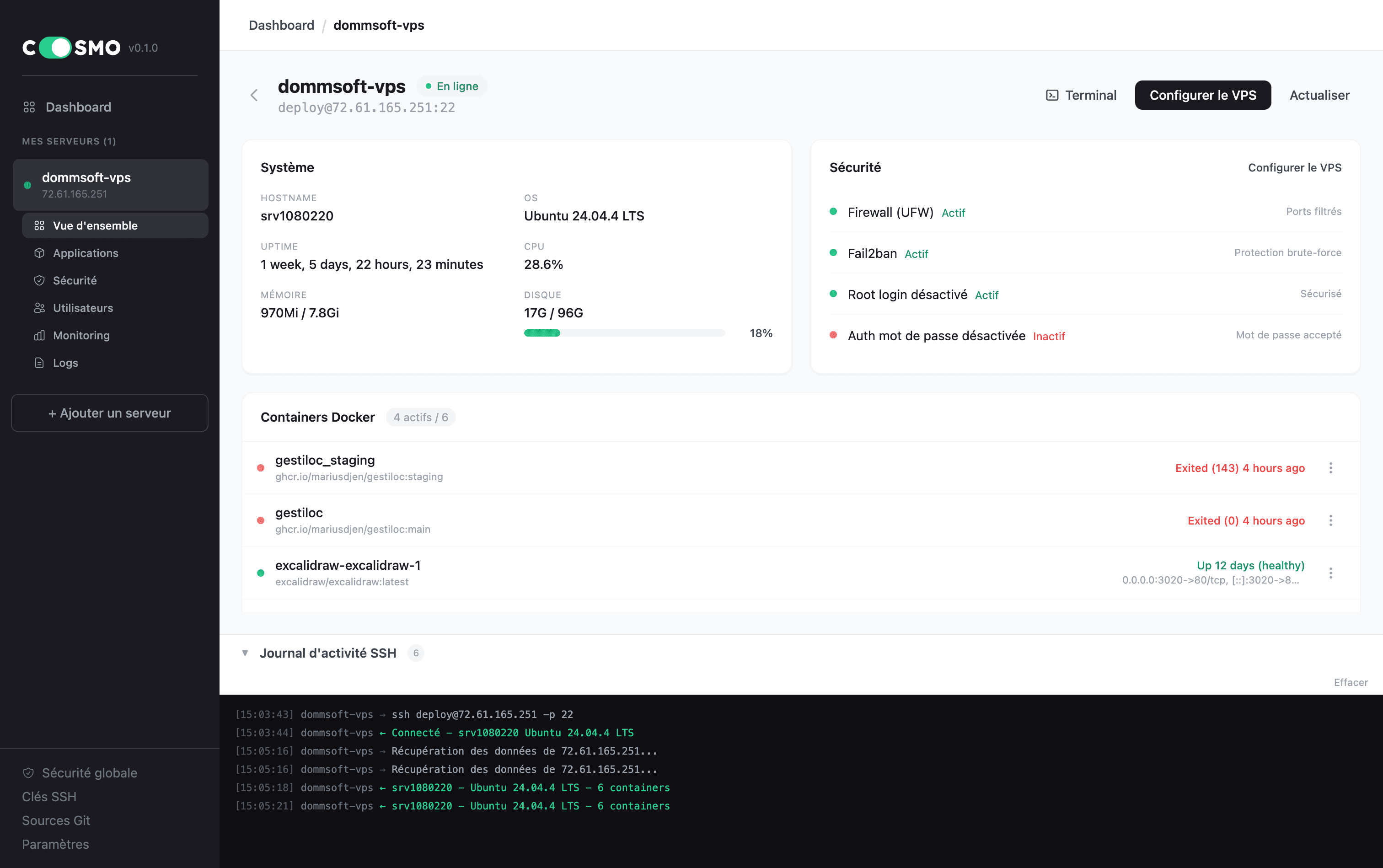
Set up. Secure. Deploy.All from your terminal.
No third-party service. No data sent anywhere. Your server, your keys, your control.
Set up
Base packages, sudo user, Docker, Caddy.
Secure
SSH hardened, firewall up, fail2ban watching.
Deploy
Reverse proxy, HTTPS, auto-updates on.
How it works in only 3 steps
From a brand new VPS to your app online in minutes.
Add server
Server IP
10.0.0.42
Add your VPS
Paste the IP your hosting provider gave you. Cosmo connects via SSH - no agent installed on your server.
Pick your app
Connect a GitHub repo. Cosmo detects your stack and generates the Dockerfile + reverse proxy config.
Go live
One click. Cosmo builds, deploys and provisions HTTPS via Caddy. Your app is online with a real domain.
From setup to production
Six built-in modules. One app. Every step from a fresh VPS to your app online - without leaving Cosmo.
Add your servers
Bring all your VPS into one app. Paste an IP, import from your existing ~/.ssh/config, or add a fleet in bulk. Cosmo connects via SSH, no agent installed on the server.
What it does
- Import from ~/.ssh/config or paste an IP
- SSH key or password auth, with TOFU host-key verification
- Everything stored locally in SQLite - no cloud, no sync
A new standard for administration
Plain SSH
Cosmo connects via standard SSH, only when you ask. No daemon on your server, no background process, no special protocol. Close the app and nothing keeps running.
Transparent
Every change is previewed before it runs. Dockerfiles, Caddy configs, firewall rules, SSH hardening - you see them, you approve them, Cosmo applies them.
Local-first
Your laptop, your keys, your data. SSH keys stay in ~/.ssh/, passphrases in your OS keychain, your fleet in a local SQLite. No cloud sync, no telemetry.
Every VPS, hardened by default
Eight layers the Setup Wizard installs on a fresh VPS. Each step is optional and reviewed before it runs. Cosmo remembers progress and resumes where you left off.
Workspace ready
Creates the directory layout under your sudo user: ~/cosmo-apps/, ~/cosmo-env/, ~/cosmo-webhooks/. Your apps, env files and webhooks have a home.
Protected user
Creates a sudo user with passwordless NOPASSWD entry, copies your SSH key from root, then you never use root again.
SSH hardening
Drops a config in sshd_config.d that survives provider regens. Root login off, password auth off, key-only enforced. Validated with sshd -t before SSH restarts.
Firewall
ufw on Debian/Ubuntu, firewalld on RHEL/Fedora. Default-deny inbound. Defaults to 22, 80 and 443 - editable in the wizard.
Fail2ban
Watches sshd auth attempts. Maxretry and bantime configurable in the wizard - default jail config that just works.
Docker + logs
Installs Docker CE via the official script, then writes /etc/docker/daemon.json with log rotation capped at 10 MB per container, 3 files.
Reverse proxy
Pick Caddy (automatic HTTPS via Let's Encrypt), Nginx, Nginx Proxy Manager or Traefik. Pre-configured and ready to receive your apps.
Auto updates
Unattended-upgrades on Debian/Ubuntu, dnf-automatic on RHEL/Fedora. Your server patches itself overnight, no cron to write.